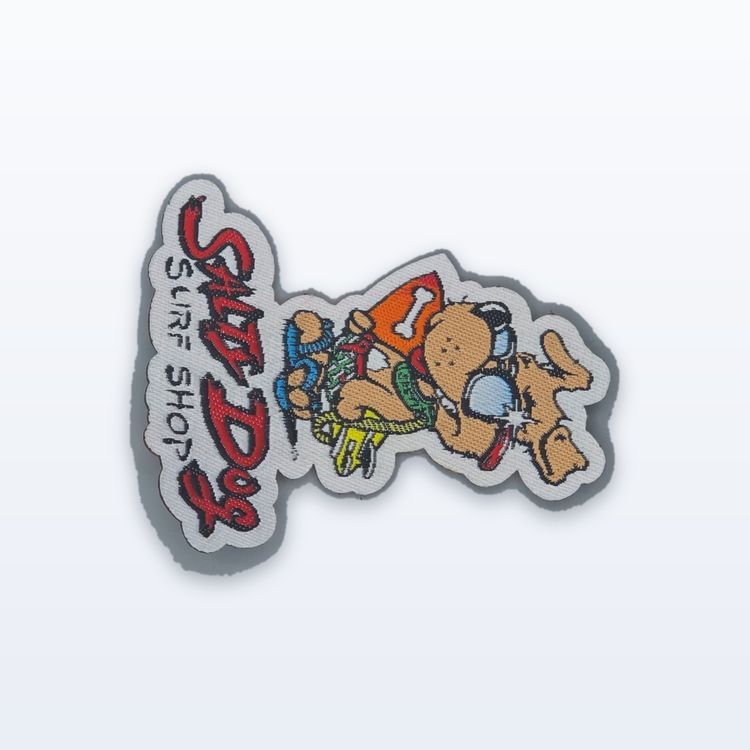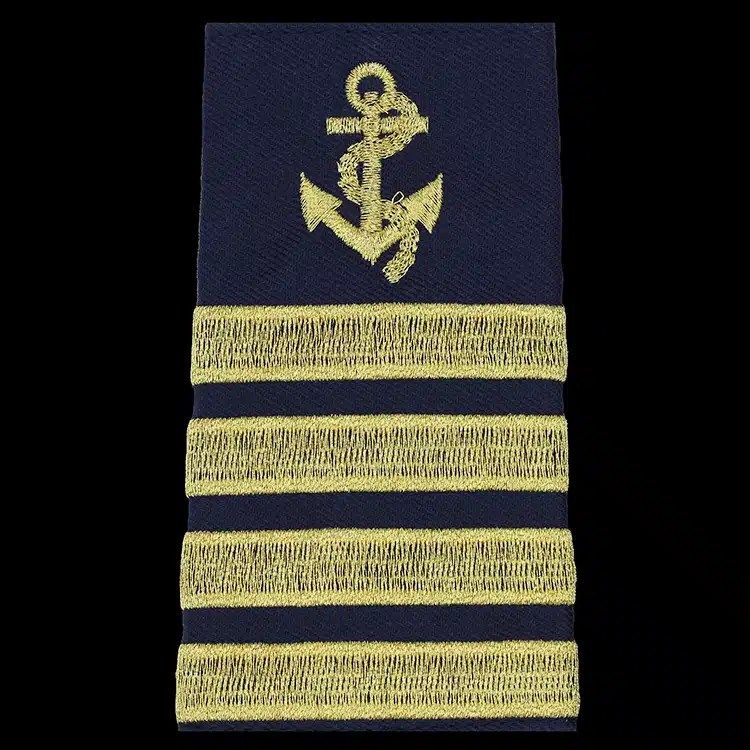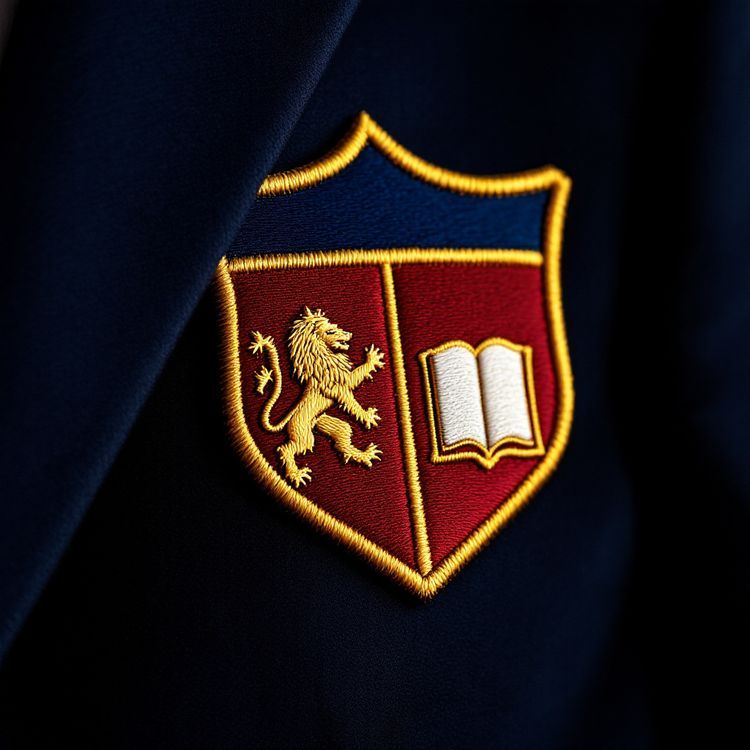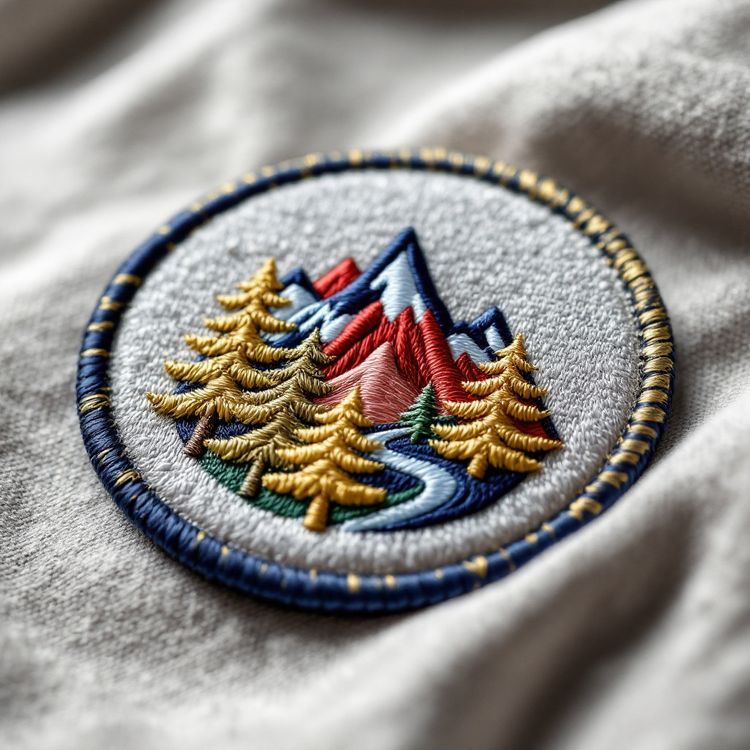
Patch thread colours are matched to your Pantone references by choosing the closest thread from the factory's range. Thread is dyed in a fixed set of shades, so the result is a close match rather than an exact one, and thread also looks different from ink because it has sheen and texture. Sending Pantone codes (PMS numbers) is still the best way to get consistent brand colours, because it gives everyone the same reference.
This guide explains how thread matching works, why the same code can look slightly different on paper, a screen and a patch, and what you can do to keep your colours on brand.
How thread colour matching works
Embroidery and weaving use polyester or rayon thread that is dyed in large batches. Each thread maker has a catalog of shades, often several hundred, and publishes cross reference charts that suggest the nearest thread for common Pantone Matching System codes.
When you send a Pantone code, the digitizer looks up the closest thread for that code, then checks it by eye against a physical reference. If two threads are equally close, the one that looks better beside the other colours in the design usually wins.
There is no thread mixing in embroidery the way ink is mixed for printing. Every colour in a stitched patch is a thread that already exists, which is why the match is close but not perfect.
Why thread looks different from print
Even a very close thread match can look slightly off when you hold the patch next to a printed brochure. There are three main reasons.
Sheen
Polyester and rayon thread reflect light. Satin stitches in particular catch the light along their length, so the same thread can look lighter or darker depending on the angle. Ink on paper has a flatter, more even surface.
Texture and shadow
Stitched thread has height. Tiny shadows between stitches make a colour read slightly deeper than the same shade printed flat.
Neighboring colours and fabric
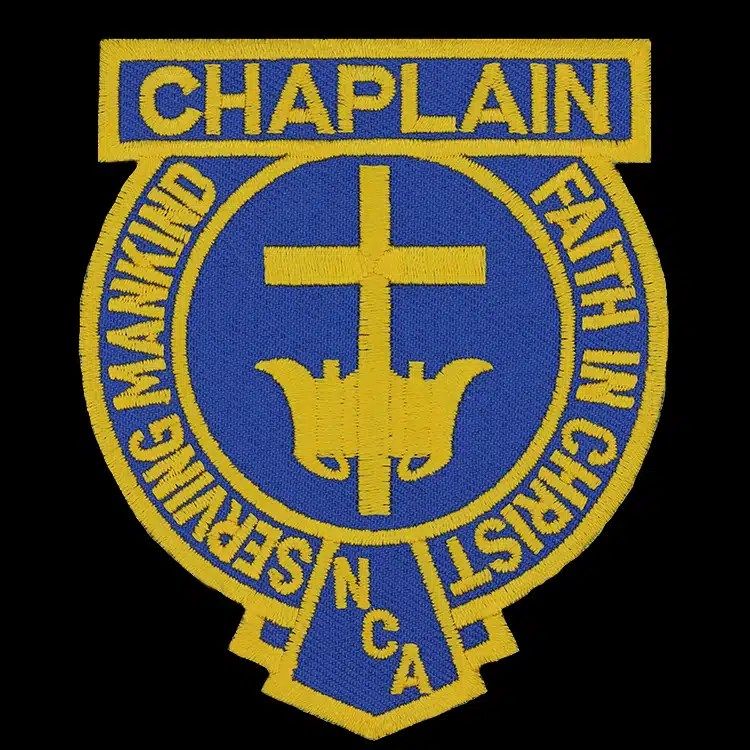
Colours change appearance depending on what surrounds them. A gold that looks rich on navy can look brassy on white. The background fabric or base thread plays a part too, especially at lower embroidery coverage where the base shows.
What to send for the best match
The more precise your reference, the closer the match. In order of usefulness:
- Pantone codes: PMS numbers for each colour in the logo, ideally from your brand guide. Say whether they are coated (C) or uncoated (U) references, since the same number looks different on each.
- A physical sample: an existing patch, shirt or label in the right colours. Physical samples avoid any doubt from screen settings.
- Vector artwork with the colours set: an AI, EPS or PDF file where the swatches are named with their Pantone codes.
- A note on priorities: if one colour matters most (usually the main brand colour), say so, and the match can focus there.
RGB or hex codes from a website are a starting point, but screens vary widely, so they are less reliable than Pantone codes or a sample. If that is all you have, it still works, and the proof gives you a chance to adjust.
How colour behaves in each patch type
Not every patch type handles colour the same way, and this matters when you are matching brand colours.
| Construction | How colour is made | Matching notes |
|---|---|---|
| Embroidered | Solid thread colours stitched over a base | Close match from the thread range, visible sheen |
| Woven | Fine threads woven together | Close match, flatter look, limited number of colours per design |
| Chenille | Tufted yarn on felt | Yarn ranges are smaller, so matches are broader |
| Satin tackle twill | Layers of twill fabric | Matched from the twill fabric range, common team shades available |
| Sublimated | Dye printed onto fabric | Printed, so gradients and photos are possible, colours a little softer than thread |
| Hand embroidered bullion | Metallic wire and thread by hand | Gold and silver wire tones, plus thread accents |
If your logo uses a gradient or a photographic element, no thread will match it, because thread is solid. A sublimated patch prints those tones. Our guide to sublimated vs embroidered patches covers when to make that switch.
Choosing colours that work in thread
If you are designing a new patch rather than matching an existing logo, choose colours with thread in mind.
- Use strong contrast between the main shapes and the background. Navy and gold, black and white, red and white all read well.
- Avoid shades that are very close to each other side by side. Two blues that differ slightly on screen may look identical in thread.
- Limit the palette. Fewer colours make a cleaner patch and a more consistent match from run to run.
- Think about the garment. A navy patch on a navy jacket disappears. A contrasting border helps it stand out.
Our patch design guide covers colour choices alongside shape, size and detail.
Colours that need extra attention
A few colours come up again and again as harder to match or to judge.
- Black and navy: very dark navy thread can look almost black in low light. If both appear in a design, make sure there is enough difference between them, or separate them with a lighter colour.
- White and cream: there are several whites in most thread ranges. If your brand uses an off white or cream, name it, or the patch may default to a bright white.
- Bright brand colours: some vivid oranges, pinks and greens printed with fluorescent inks have no exact thread equivalent. The nearest thread will be close but may look a little less bright.
- Gold and silver: these can be a yellow or gray thread, or a metallic thread. Say which you want, because the two look very different.
Keeping colours consistent on reorders
Once your colours are matched and approved, the thread choices are recorded with your design. Reorders skip setup, the digitizing stays on file, and the same thread references are used again. That is what keeps a department's patches looking the same from one order to the next.
Thread is dyed in batches, so very slight variation between dye lots is normal in any textile, but it is usually hard to see. If you are adding patches to an existing set, our guide to reordering patches so they match explains what to send.
When you are ready, request a quote with your artwork and Pantone codes. Quotes come back in 2 to 3 business days, and the proof shows the colour assignments for your approval in writing before anything is made.