How to design a patch comes down to one rule: start with where it will be worn and how big it can be, then build the design to suit that size. That means a clear shape, one strong focal point, bold lettering and a short list of colours. A patch is read from a few feet away, on fabric, in thread or print with real limits, so the designs that work best are simpler than most logos made for screens. This guide takes you through each decision in the order that makes them easiest.
You do not need to be a designer. An existing logo, or a clear photo of a patch you already have, is enough to start a quote, and every design is redrawn for its construction before you approve a proof.
How to design a patch, step 1: start with where it goes
Size comes first because it sets everything else: how much text fits, how fine the detail can be and which construction suits it. Decide where the patch will be worn, then measure the flat area on the garment or gear.
- Left chest on a shirt or polo: 3 to 3.5 in.
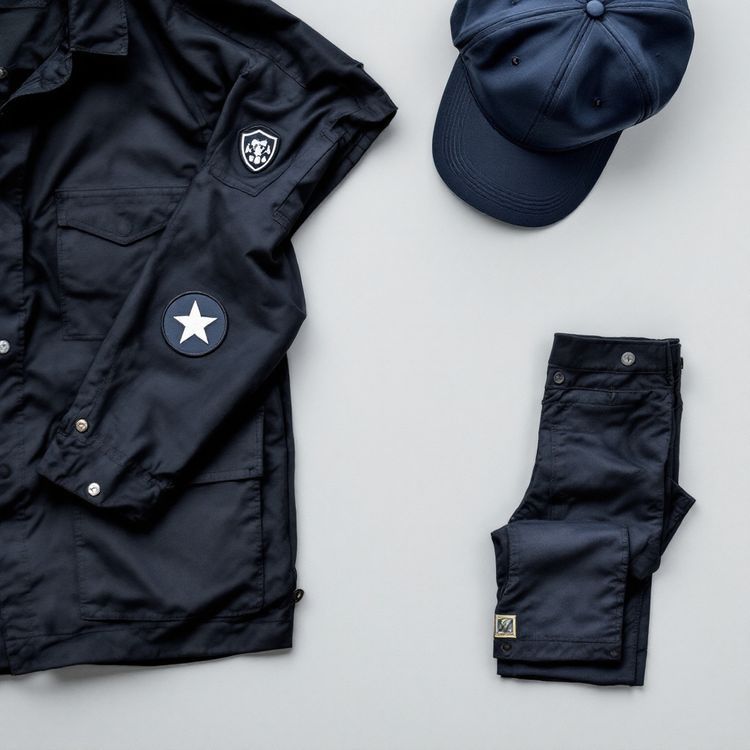
- Shoulder or upper sleeve: 3 to 4.5 in.
- Cap front: 2 to 2.5 in tall.
- Jacket back: 8 to 12 in.
- Hook-and-loop panel: 2 x 3 or 3 x 5 in.
These are common starting sizes from our patch size guide, not limits. Design at the real size from the start. A layout that looks balanced on a monitor at full screen can feel crowded at 3 in.
Step 2: Choose a shape and a border
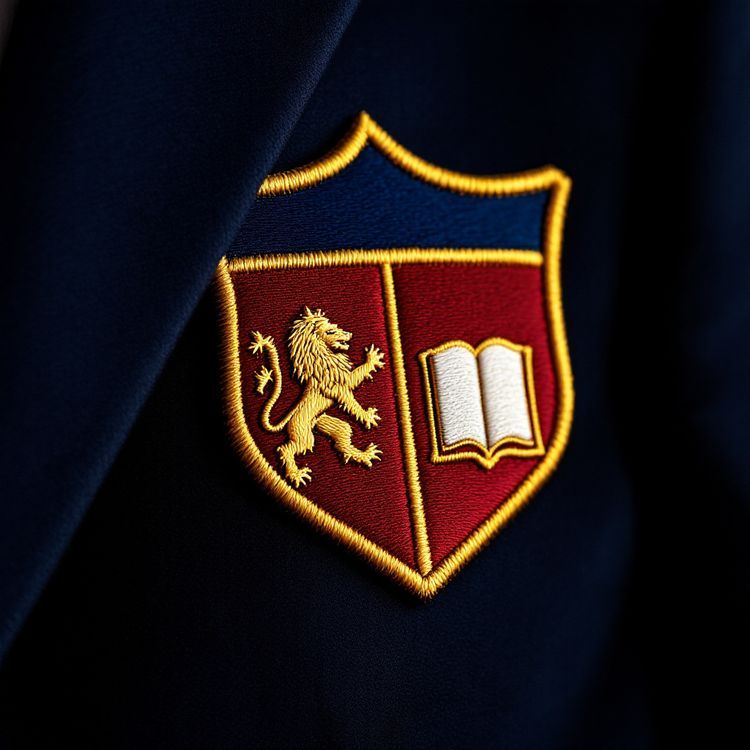
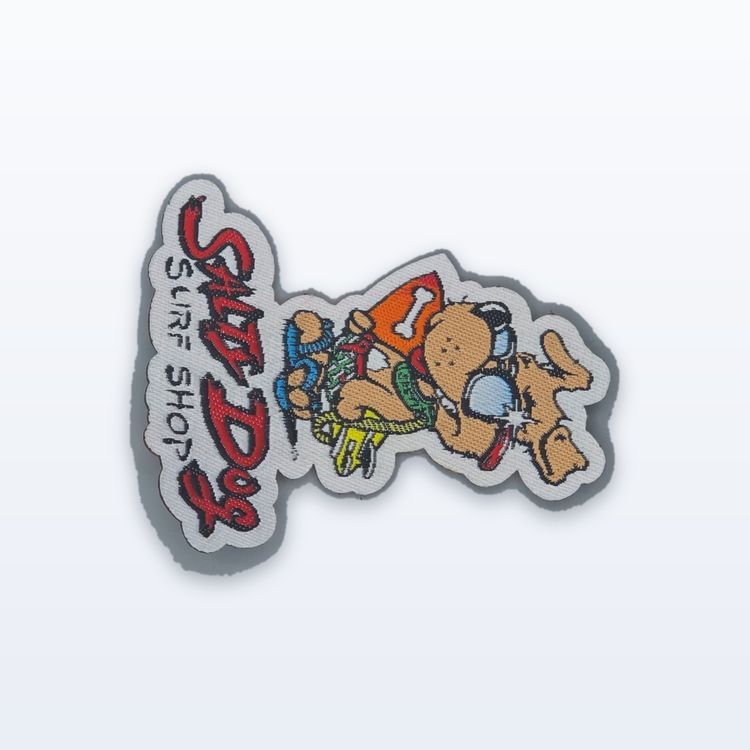
Circles, ovals, squares, rectangles and shields are the classic patch shapes. They frame the art cleanly and take a merrowed border, the raised wrapped stitch around the edge. A custom outline that follows your design, such as a mascot, an animal or a state shape, takes a heat cut edge, which is cut and sealed right to the edge of the art.
The shape changes the space you have. A round patch loses its corners, so straight text across the middle has less width than it would on a square. Lettering curved around the edge of a round patch often reads larger than the same words squeezed into one line. A merrowed border also uses some of the space inside it, which matters most on small patches. Our guide to merrowed vs heat cut borders covers the trade-off.
Step 3: Keep the design simple enough to make
Thread works like a mosaic of solid colours. It cannot draw a hairline or a soft fade the way a screen can. The patches that turn out best usually have one clear emblem, a short line of text and plenty of space between elements.
Detail limits to design around
- Lettering: as general guidance for embroidery, about 1/4 in (6 mm) cap height or larger.
- Lines: about 1 mm thick or more. Thinner outlines do not stitch cleanly.
- Small shapes: need clear space between them, or they merge.
- Gradients, shadows and glows: not reproduced in thread. Use solid colour steps instead.
Test your design by shrinking it to the real size and looking at it from arm's length. If a word or a detail disappears, enlarge it, simplify it or leave it off. Taglines, web addresses and small print are the usual candidates to drop.
Step 4: Choose colours that read in thread
Fewer colours usually make a cleaner patch. Each thread colour is another change on the machine, and two similar shades can read as one at a distance. Aim for strong contrast between the text and the background, and between the main emblem and the border.
Use the background to do some of the work. On an embroidered patch, the twill can show through around the art, so choosing a twill colour that matches the background of your design means less needs to be stitched. Our guide to embroidery coverage shows how 50%, 75% and 100% coverage look.
List each colour with a Pantone reference if you have one. Thread comes in a fixed range, so each colour is matched to the nearest available shade, and you check those choices on the proof.
Step 5: Pick the construction that suits the art
The construction is how the patch is made, and the right one depends on the detail in your design. We make six.
| Construction | Look and feel | Best for |
|---|---|---|
| Embroidered | Raised, textured stitch | Logos, crests, uniforms, caps |
| Woven | Flat, thin, smooth | Small text, fine lines |
| Chenille | Soft, fuzzy, raised pile | Varsity letters, team names |
| Satin tackle twill | Flat fabric, stitched edge | Numbers, names, big shapes |
| Hand embroidered bullion | Raised metallic wire | Blazer crests, ceremonial insignia |
| Sublimated | Flat, printed, full colour | Photos, gradients, fine art |
If your design has fine text that will not stitch at the size you need, woven is often the answer. If it depends on a photo or a gradient, sublimated keeps it. Our comparison of sublimated vs embroidered patches explains when printing beats thread. Then choose the backing: sew-on, iron-on, hook-and-loop or a rigid plastic backing, matched to where the patch is worn.
Step 6: Prepare the file
A vector file (AI, EPS or PDF) gives the cleanest result because it describes shapes as outlines that scale to any size. A PNG is accepted too, and a clear photo of an existing patch is enough to start a quote. Our guide to vector vs raster artwork explains the difference.
- Convert text to outlines, or list the font names.
- Remove gradients, drop shadows and bevels, or say you want them simplified.
- Mark the parts of the design that must not change.
- Note the finished width and height.
- List each colour, with references where you have them.
You do not have to make every change yourself. Tell us what matters most in the design, and we simplify the rest when we redraw it. Our guide to preparing artwork for embroidery goes into more detail.
Step 7: Mock it up, then request a quote
The free Patch Studio lets you upload your design, pick the shape, size, construction, backing and edge, and turn it round in 3D, flat, on a black jacket or on a cap. Its optional stitch check flags fine detail before you quote. The mockup is a rendering, not a guarantee, and the proof is the version that counts.
Download the mockup and send it with your artwork when you request a quote. You will have a quote within 2 to 3 business days. Once you accept it, a proof usually follows 1 to 3 business days after we have the artwork, and nothing is made until you approve that proof in writing.