To design a mission patch, start with what the mission is for, pick one or two symbols that tell that story, add the mission name and the crew or team names around the edge, and choose a shape that suits the art, often a circle, oval or custom outline. Keep the colours to a handful and the text large enough to stitch. A mission patch is a memento of one specific effort, so every element should mean something to the people on it.
The tradition is most closely tied to spaceflight, but mission patches are now made for military deployments and exercises, research cruises, rocket and satellite launches, engineering programs, aircraft delivery flights, school robotics teams and charity expeditions. This guide walks through the design process and the practical choices that turn a sketch into a patch.
Where the mission patch tradition comes from
Military units have worn emblems for a long time, but the crew-designed mission patch is closely linked to NASA. The Gemini 5 crew in 1965 is generally credited with the first crew-designed mission patch, and since then most crewed missions have had one, usually designed by or with the crew. The patches are worn on flight suits, given to the teams who supported the mission, and collected by enthusiasts.
That history explains the style most people expect: a bold central image, the mission name, the crew names around the border, and a design packed with symbolism. You can follow that template or depart from it, but it is a good place to start.
Designing a mission patch, step by step
- Write down the story. What is the mission doing, where, and why does it matter to the team? A short list of three or four ideas gives you something to draw from.
- Choose one main symbol. A vehicle, a destination (a planet, a coastline, a mountain), or an object that stands for the goal. Use smaller secondary symbols sparingly.
- Hide meaning in the details. The number of stars can match the crew size, a colour can stand for a sponsor, an orbit line can trace the route.
- Place the text. The mission name usually goes in a top arc or a banner, with names and dates around the bottom or the border.
- Pick the shape. Circles and ovals are classic and take a merrowed border. Custom outlines, such as a capsule or a shield with a rocket breaking through the edge, need a heat cut edge.
- Simplify for thread. Check every small element at the finished size and remove anything that will not survive.
Names, dates and text
Text is where most mission patches run into trouble. A crew of six with full names, a mission number, a date, a motto and a sponsor will not all fit on a 4 in (102 mm) patch at readable sizes.
- Use surnames only on the border, or initials if the team is large.
- Choose either a date or a mission number in the main design, not both, unless there is room.
- Keep a motto to a few words, or move it to a separate rocker or tab.
- As a general guide, embroidered lettering needs a cap height of about 1/4 in (6 mm). A woven patch holds noticeably smaller text, which is why many name-heavy mission patches are woven.
Choosing the construction
| Construction | Look | Best for | Watch out for |
|---|---|---|---|
| Embroidered | Raised, textured thread | Bold symbols, classic flight suit look | Small names and thin orbit lines |
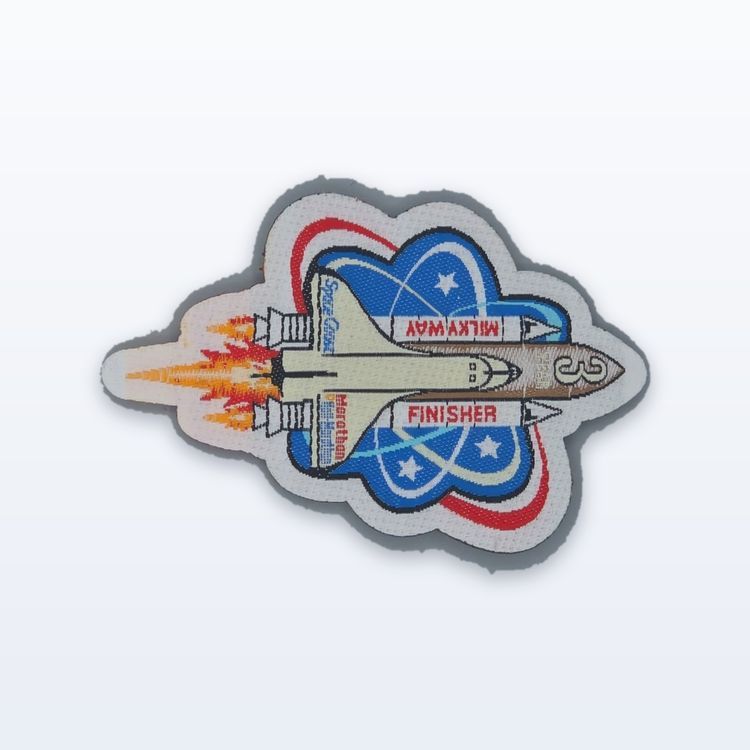
| Woven | Flat, fine detail | Many names, small text, detailed vehicles | Less texture than embroidery |
| Sublimated | Printed full colour | Earth from orbit, nebulae, gradients, photos | Flat surface, no raised thread |
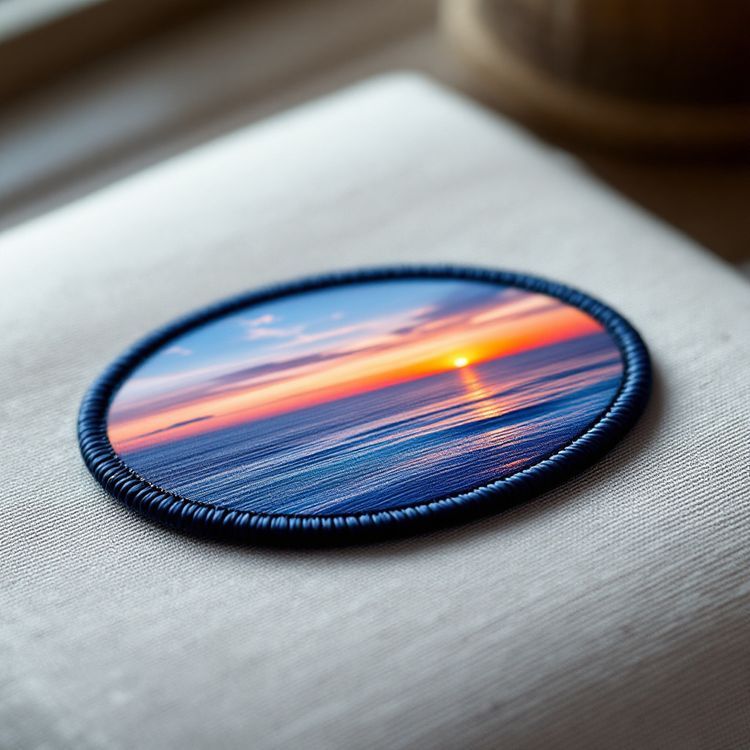
Space art often relies on gradients: a sunrise over the Earth's limb, a nebula, the glow of an engine. Thread renders those as solid bands. A sublimated patch prints the gradient faithfully, while an embroidered patch gives the classic stitched look if you redraw the art in solid colours. Our comparison of sublimated vs embroidered patches goes into the trade-off.
Size, shape and border
Most mission patches fall between 3 and 4.5 in (76 to 114 mm), which suits a flight suit chest or shoulder and leaves room for names. A large version, around 6 to 10 in (152 to 254 mm), is sometimes made for jacket backs, team displays or framing. The patch size guide lists sizes for each placement.
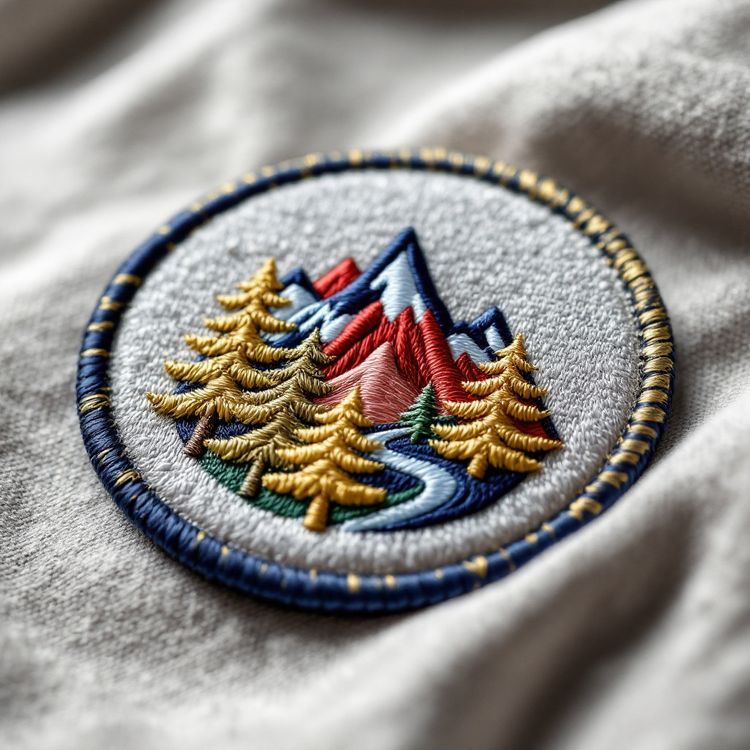
A merrowed border gives a clean, durable rim on circles and ovals. A heat cut edge follows custom outlines, which is how designs with a rocket or wing breaking out of the frame are made. Our guide to merrowed vs heat cut borders helps you choose.
A quick design review before you order
Before you send the art, print it at the finished size and look at it from across a room. Ask three questions. Can you read the mission name? Can you tell what the main symbol is? Does anything look like a smudge? If the answer to the last is yes, that element is too small for thread. Also check the meaning with the team: a patch is permanent, and a misspelled name or a wrong date on 100 patches is hard to live with. Having two people proofread every name on the proof is a habit worth keeping.
Mission patches beyond spaceflight
- Deployments and exercises: unit patches for a specific rotation, often in a subdued version with hook-and-loop backing. See our military and unit patch guide.
- Research expeditions: cruise patches for oceanographic voyages or polar field seasons.
- Launch teams and engineering programs: a patch for everyone who worked on a satellite, rocket or test flight.
- Schools and clubs: high-altitude balloon launches, rocketry and robotics competitions.
- Charity and adventure expeditions: a patch for each team member and for supporters.
From design to finished patches
- Send the artwork in AI, EPS or PDF, or a PNG or sketch to start.
- Give the finished size and the shape.
- List every name exactly as it should appear.
- Say whether you want a large version or a subdued version too.
- Give your in-hands date, such as a launch or a departure.
Custom runs start from 100 pieces, varying by product and confirmed on the quote, which also leaves patches for supporters and sponsors. Production takes about 3 to 4 weeks after you approve the proof in writing, so allow time before a fixed launch date. Request a quote with your design and names.