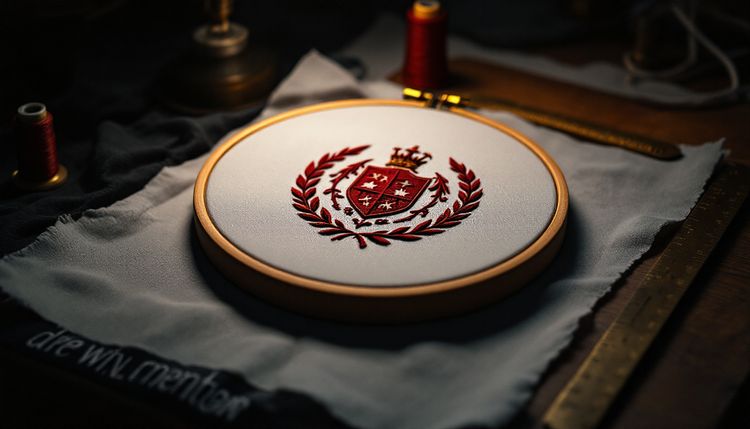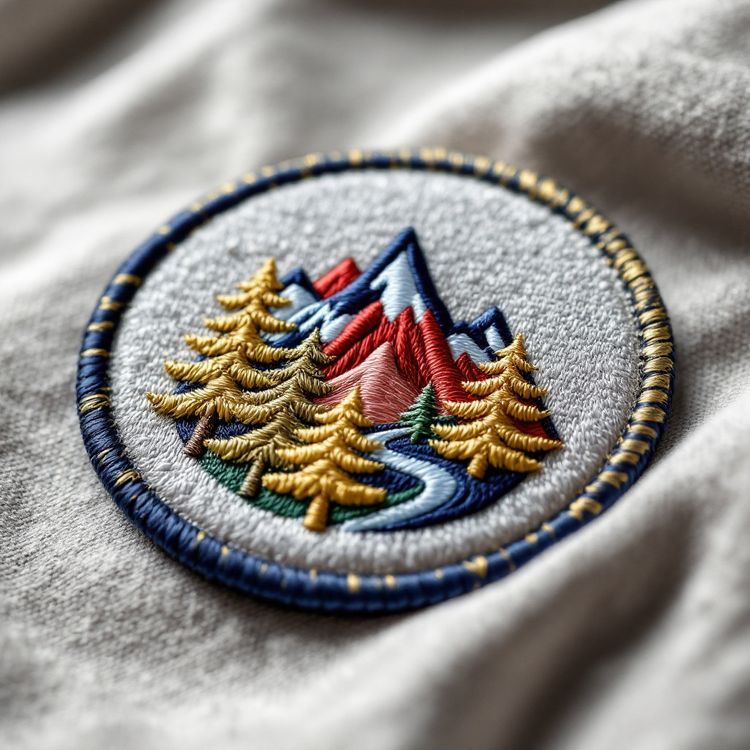
Embroidery digitizing is the step that turns your artwork into a stitch file: a set of instructions telling the embroidery machine where every stitch goes, which stitch type to use, which direction it runs, in what order the colours sew and where the thread is trimmed. It is done by a person working in embroidery software, not by an automatic converter, and it decides how clean, flat and readable the finished patch looks.
You never need to digitize anything yourself to order patches. But knowing what happens at this stage helps you send better artwork, read a proof with a sharper eye and understand why some designs need changes before they stitch well.
Artwork and a stitch file are different things
Your logo file, whether AI, EPS, PDF or PNG, describes shapes and colours. An embroidery machine cannot read that. It needs a machine format, such as DST, that lists stitch coordinates, colour changes and trims in sewing order.
There is no lossless conversion between the two. A shape that is a perfect filled circle in your file has to become hundreds or thousands of individual stitches, each laid at a chosen angle and length. Thread has thickness, pulls the fabric as it sews and cannot make a hairline. The digitizer's job is to interpret your art in a way that thread can actually build.
This is also why vector artwork helps: clean outlines make it easier to trace each shape accurately, though a clear PNG or even a photo of an existing patch is enough to start.
The three stitch types
Almost every patch is built from three basic stitch types.
| Stitch type | What it looks like | Used for |
|---|---|---|
| Running stitch | A single line of stitches, like hand sewing | Fine outlines, small details, underlay, travel between areas |
| Satin stitch | Long parallel stitches side to side, glossy | Lettering, borders, narrow shapes and columns |
| Fill stitch (tatami) | Rows of shorter stitches in a pattern | Large solid areas and backgrounds |
Satin stitches give the shine most people associate with embroidery, but they have limits. As a rough guide, satin columns work from about 1 mm wide up to somewhere around 7 to 10 mm, depending on the thread and the digitizer. Wider than that, the long stitches can sit loose and snag, so wide shapes switch to a fill stitch. Narrower than about 1 mm, a satin column cannot form properly, which is why very thin lines either become running stitches or are thickened.
The decisions a digitizer makes
Underlay
Before the visible stitches go down, a layer of underlay stitches anchors the fabric and gives the top stitches something to sit on. Good underlay keeps edges crisp and stops the base fabric showing through.
Density
Density is how closely stitches are packed. Too loose and the base shows between rows; too dense and the patch becomes stiff, puckers or breaks thread. Density also links to embroidery coverage, the share of the patch surface that is stitched.
Stitch direction
Changing the angle of stitches from one area to the next makes neighboring shapes catch light differently, which separates them even when they share a colour. It is one of the ways a digitizer adds depth to a flat design.
Pull compensation
Thread pulls fabric inward along the stitch direction, so shapes sew slightly narrower than drawn. The digitizer widens them a little in the file to compensate, which keeps letters and circles true to your artwork.
Sequence and trims
The order in which areas sew affects how they overlap, how many colour changes there are and whether jump threads between areas need trimming. A good sequence sews background before foreground and keeps the back of the patch tidy.

Fabric and size
A stitch file is built for a particular size and base. Twill, felt and the thread itself all behave differently, and a design digitized at 3 in (76 mm) cannot simply be scaled to 6 in (152 mm) without adjusting density and stitch lengths. That is why we ask for the finished size up front, and why a new size of an existing patch is checked again rather than stretched.
Why your design may change slightly
Because thread has physical limits, a proof sometimes differs from the original art in small, deliberate ways:
- Very thin lines are thickened, or dropped if they would not stitch.
- Small text is enlarged, simplified or set in a bolder face.
- Tiny gaps between shapes are widened so they do not close up.
- Gradients are broken into a few solid steps of colour.
- Small details that would merge are combined into one shape.
These changes are what make the patch look like your logo once it is stitched. If you would rather keep a detail, ask whether a larger size or a woven patch would hold it. Our guide to gradients and shading in embroidery explains the colour side in more depth.
Digitizing and other patch types
Digitizing in the sense above applies to embroidered patches, the embroidered parts of chenille patches and the stitched edges of satin tackle twill. Woven patches go through a similar step to set up the loom, but the thread is woven rather than sewn, which is why woven holds finer detail. Sublimated patches are printed, so they need print-ready artwork rather than a stitch file.
How to send artwork that digitizes well
- Send the cleanest file you have: AI, EPS or PDF is best, and a high-resolution PNG is accepted.
- Give the finished size, because the stitch file is built for a specific size.
- List the colours, with references if you have them.
- Mark any element that must not change, such as a registered wordmark.
- Say what the patch will be attached to and how, since that affects density and backing.
The guide to preparing artwork for embroidery goes through files and detail limits step by step.
Proofs, reorders and the stitch file
The proof you receive, usually 1 to 3 business days after we have your artwork, is based on the digitized design. Check it closely, especially small lettering, spelling and colours. Nothing runs until you approve it in writing.
Once a design is digitized, the file stays on file. That is why reorders skip setup and match the earlier run. When you are ready, see how ordering works or send your artwork for a quote.