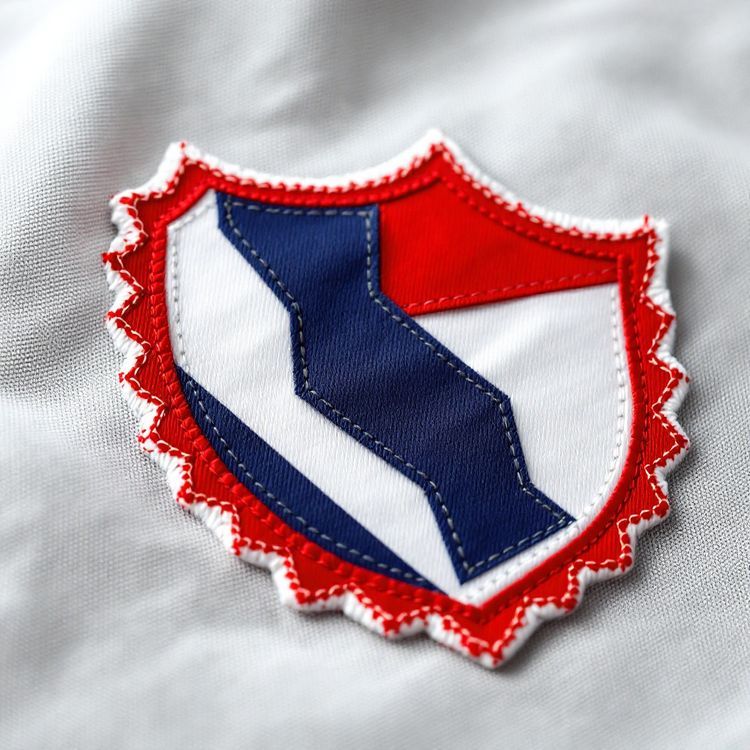
Stitch count is the total number of stitches an embroidery machine sews to make your design. It rises with the size of the patch, the share of the surface that is stitched (coverage), the type of stitch used and the amount of fine detail. Stitch count matters because it affects how long each patch takes on the machine, how stiff the patch feels, and how much detail it can hold. You do not need to calculate it yourself: the digitizer works it out when your artwork is turned into a stitch file.
This guide explains what stitch count measures, what makes it go up or down, how it connects to coverage and size, and the design choices that keep it sensible without losing the look you want.
What stitch count measures
Every embroidered patch is sewn from a stitch file, a set of instructions that tells the machine where to place each stitch, in which colour and in what order. The process of building that file from your artwork is called digitizing. Once the file exists, the software can count exactly how many stitches it contains.
That count is a direct measure of how much thread goes into the design and how long the machine runs. A small, simple emblem with open background might need a few thousand stitches. A large patch with every square inch covered in dense fill can need many times that.
Stitch count applies to machine embroidered patches. Woven patches are made on a loom, chenille is tufted, sublimated patches are printed, and bullion is worked by hand, so those constructions are not described by stitch count in the same way.
What makes stitch count go up
Size
Stitched area grows with the square of the size. A 4 in (102 mm) patch has roughly four times the area of a 2 in (51 mm) patch, not twice. At the same coverage, its stitch count rises in about the same proportion.
Coverage
Coverage is the share of the patch surface covered in stitching. A patch at 50% coverage leaves half the twill showing. At 100%, the whole surface is stitched, including the background. Higher coverage means more stitches. Our guide to 50%, 75% and 100% coverage shows how each level looks.
Stitch type
Embroidery uses a few basic stitch types, and they use thread at different rates.
- Running stitch: a simple line of stitches, used for fine outlines and small details. Very few stitches.
- Satin stitch: long, close stitches that zigzag across a narrow shape, such as lettering, borders and columns. Smooth and shiny.
- Fill stitch: rows of short stitches that cover larger areas, such as backgrounds and big shapes. The biggest contributor to stitch count on most patches.
Detail and colour changes
Small shapes, many separate elements and frequent colour changes add underlay, travel and tie-off stitches. A design with lots of tiny pieces can have a higher count than its size suggests.
Rough numbers to keep in mind
Stitch counts vary a lot with the design, so treat any figure as a loose guide. As a rule of thumb in the embroidery trade, a typical left chest logo of about 3.5 in (89 mm) wide often runs somewhere in the range of 5,000 to 10,000 stitches, depending on how much of it is filled. A full coverage patch of the same size with a stitched background will sit at the higher end or above. Large back patches can run into the tens of thousands.
| Factor | Lower stitch count | Higher stitch count |
|---|---|---|
| Size | Small patch | Large patch, back patch |
| Coverage | 50%, twill background shows | 100%, background stitched |
| Main stitch type | Satin lettering, outlines | Large fill areas |
| Detail | Few bold shapes | Many small separate elements |
| Colours | A few flat colours | Many colours and layers |
Why stitch count matters to you
Stitch count is not a quality score. A higher count is not automatically a better patch. What it does affect:
- Machine time: more stitches take longer to sew, which is one of the things that affects the quote for embroidered patches.
- Stiffness and thickness: dense, high count patches are stiffer and thicker. That suits jackets and bags, but can feel rigid on a light shirt.
- Detail: more stitches do not create finer detail. Thread has a fixed width, and the smallest text and lines are limited by that, not by the count.
- Puckering: very dense stitching on a small area can pull the fabric. Good digitizing balances density so the patch lies flat.
Stitch count is one of several factors in a quote, alongside size, quantity, coverage, border and backing. Our guide to what drives custom patch pricing covers how they combine.
How to keep stitch count sensible
If you want a lighter, more flexible patch, or you simply do not need full coverage, a few design choices bring the count down without losing the look.
- Let the twill show. Choose a twill colour that matches your background, and leave it unstitched. The patch looks the same from a few feet away.
- Simplify fills. Large solid shapes in the background can often be twill rather than thread.
- Merge small elements. Several tiny shapes close together can become one bolder shape, which also stitches more cleanly.
- Reduce colours. Fewer colour changes mean fewer tie-offs and trims.
- Right-size the patch. A patch slightly smaller than you first planned can still read well at the placement. Our patch size guide lists sizes by position.
When a high stitch count makes sense
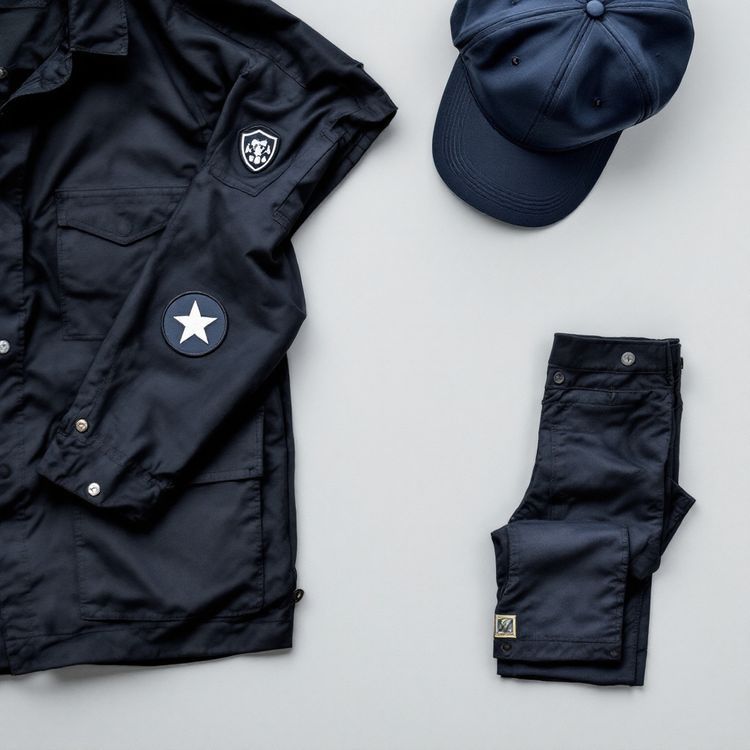
Full coverage and dense stitching are the right choice in plenty of cases. Uniform patches for police, fire and EMS are often fully stitched for a solid, official look and maximum durability. Patches on bags, outerwear and gear benefit from the thicker, more abrasion resistant surface. Designs with a coloured background that has no matching twill also need that background stitched.
The point is to choose coverage deliberately. If you want the classic thick, fully stitched patch, ask for 100% coverage. If you want a lighter patch, ask for lower coverage and let the base fabric do some of the work.
Getting a quote
You can preview your design in the free Patch Studio, then send it for a quote with the size, quantity, coverage, border and backing. Quotes come back in 2 to 3 business days. The digitizing is done once and stays on file, so reorders skip setup and stitch the same way as the first run.