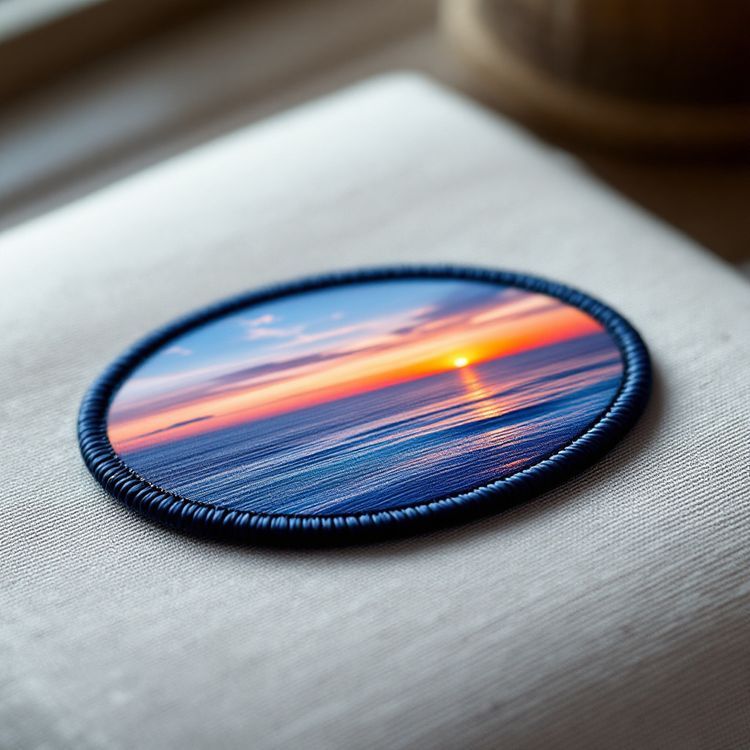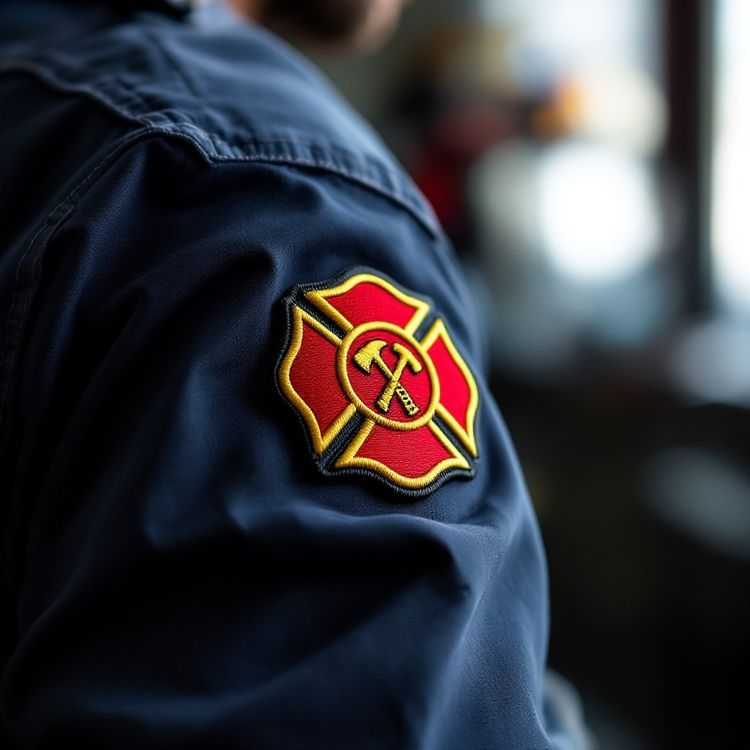
To choose patch colours that read well, start with the base colour, then pick a small palette of three to six thread colours with strong contrast in lightness between any two that touch. Add a dark or light outline where colours are similar, think about the garment the patch will sit on, and test the design in grayscale: if shapes and text still separate without colour, the patch will read from a distance.
This patch colour guide walks through each of those steps, with combinations that work, ones to avoid, and what to send so thread colours match your brand.
Start with the base colour
On an embroidered patch, the base is the twill or felt fabric under the stitching. On a patch with less than full embroidery coverage, some of that base shows, so it is effectively one of your colours. On a fully stitched patch the base is covered, and the background becomes a thread colour instead.
Pick the base first because everything else is judged against it. Dark bases such as navy, black and dark green make light thread pop and hide wear. Light bases such as white, cream and khaki give a clean, vintage look and suit darker lettering. Mid tones such as royal blue and red need either very light or very dark thread on top.
Contrast matters more than colour
What makes a patch readable is not which colours you pick but how different they are in lightness. Two colours with similar lightness, such as red and green, or navy and purple, blur together from a distance even though they look very different up close.
| Combination | Contrast | Notes |
|---|---|---|
| White on navy | High | Classic uniform and corporate pairing |
| Gold on black | High | Strong, formal, common on crests |
| Yellow on black | Very high | Reads at long distances |
| Black on khaki | High | Workwear and subdued looks |
| White on red | High | Bold, good for warning or attention |
| Red on black | Low | Add a white or gold outline |
| Navy on black | Very low | Avoid for text |
| Red on green | Low | Similar lightness; hard for many viewers |
About 1 in 12 men and a smaller share of women have some form of colour vision deficiency, most often affecting red and green. Strong lightness contrast keeps a patch readable for them too.
Use outlines and borders to separate colours
When two colours you need are similar in lightness, a thin outline between them fixes most problems. A black or navy keyline around light shapes, or a white keyline around dark ones, gives every element a clean edge. Keep outlines at least about 1 mm wide so they stitch properly.
The border colour frames the whole patch. A border matching the base gives a quiet, unified look; a contrasting border makes the patch stand out from the garment. Our guide to merrowed vs heat cut borders covers the edge itself.

How many colours to use
Most good patches use three to six colours, counting the base. Thread colours come as solid blocks, so extra colours only help if each one covers an area large enough to see. A colour that appears in a tiny detail often reads as noise at patch size.
- Count the colours in your artwork, and drop any that only appear in small details.
- Merge near-identical shades into one.
- Replace gradients with a few solid steps; see gradients and shading in embroidery.
- Keep one accent colour for the thing you want noticed first.
Think about the garment and the setting
A patch is never seen alone. A navy patch with a navy border can vanish on a navy jacket, while the same design pops on gray or khaki. If the patch goes on several garment colours, choose a border that contrasts with all of them, or order separate colourways.
Setting matters too. Public-facing uniforms for police and fire services usually use high contrast so the department can be identified quickly. Field and tactical gear often uses subdued tones such as tan, olive and black that blend in, but even subdued patches need enough contrast for the lettering to be read up close.
Metallic thread
Gold and silver metallic thread adds shine for crests, anniversary patches and formal insignia. It reads as a mid tone, so pair it with a dark base. Use it for accents and borders rather than very small text.
Small patches and caps
The smaller the patch, the fewer colours it can usefully carry. On a cap side or a small sleeve tab, two or three colours with maximum contrast often look better than the full logo palette. Keep the brand colours for the main shapes and drop secondary shades. If one patch design will be made in several sizes, it can be worth choosing a reduced palette for the smallest version.
Matching your brand colours
Thread comes in a large but fixed range of colours, so brand colours are matched to the nearest available thread. Thread colours are matched as closely as possible to your references, and the proof shows the colours chosen before anything is made.
To get the closest match, send colour references with your artwork: Pantone numbers if you have them, or a physical sample or garment in the right colour. Screen colours vary from one monitor to the next, so a hex code alone is a starting point rather than a guarantee. Thread also has a sheen that makes it look slightly lighter or richer than flat print, especially in satin areas.
Keeping colours consistent on reorders
Once your thread colours are chosen and approved on the proof, they stay with the design. Reorders skip setup and the digitizing stays on file, so a restock uses the same colours as the first run. If you later change a brand colour, say so on the reorder so the change is proofed rather than assumed.
Preview your colours, then quote
The free Patch Studio lets you upload artwork and see it as a patch on a jacket or cap, which is a quick way to check contrast against the garment. When you request a quote, list each colour and where it goes, plus the garment colour. Send your artwork and we will return a quote in 2 to 3 business days, with a proof to approve in writing before production.