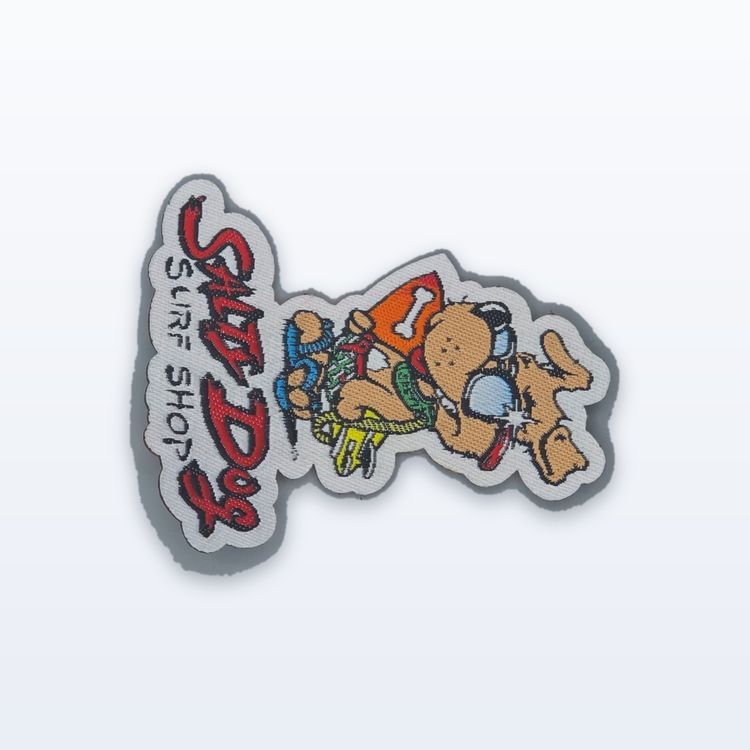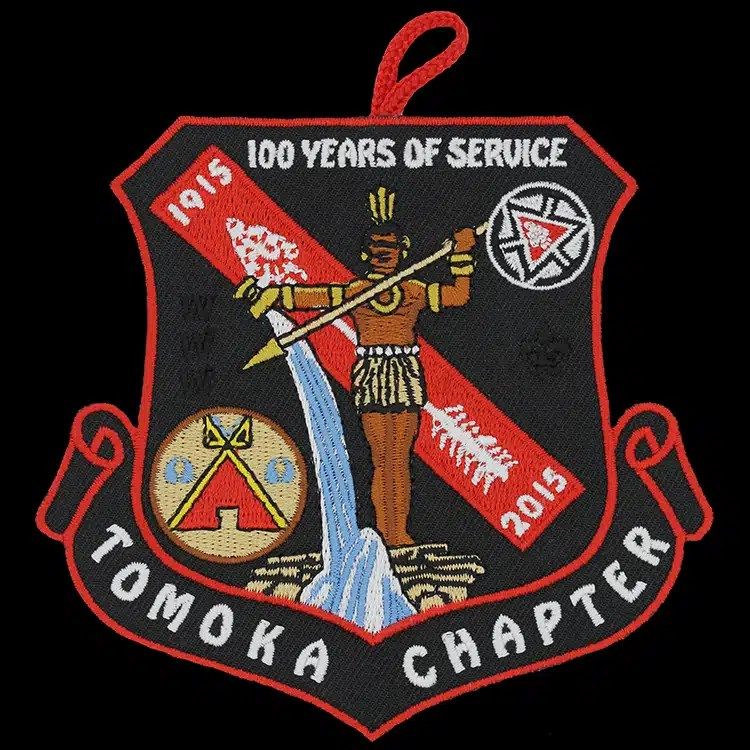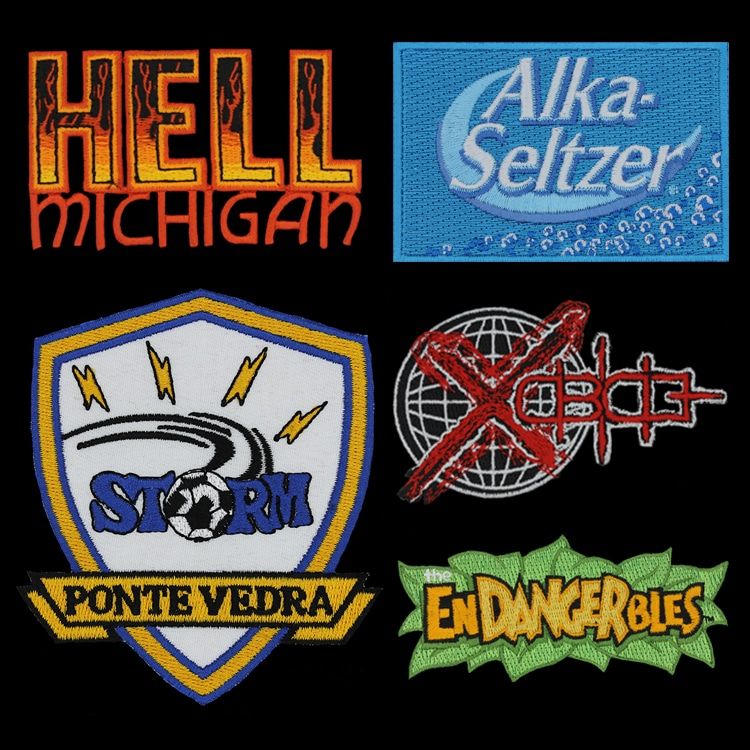
To mock up a patch online, open a free patch maker such as our Patch Studio, upload your logo, choose the patch type, shape and size in inches, pick the twill and border colours, then look at it on a jacket or cap. Download the mockup and send it with your quote request. The mockup is a planning tool: the proof you approve in writing is what actually gets made.
A good mockup saves a round of back and forth. It shows you early whether your text is too small, whether the shape suits the logo and whether the colours read on the garment. Below is a step by step walk through, plus the checks worth doing before you send it.
Why mock up a patch before you order
Most patch problems are visible before anything is stitched. A tagline that looks fine on a screen at full size can turn into a blur at 3 in (76 mm). A round border can cut off the corners of a square logo. A navy patch can disappear on a navy jacket. A mockup puts those issues in front of you while they are still free to fix.
It also makes your quote request clearer. When you send a picture that already shows the shape, size, border and colours you want, there is less guessing on our side and fewer questions on yours. The quote comes back for the patch you actually pictured.
Step by step: using an online patch maker
The steps below follow the Patch Studio, which is free and needs no account. Other online tools work in a similar order.
- Upload your logo. PNG, JPG, SVG and WEBP files all load. If your logo sits on a plain white box, use the option to remove a plain background, and clear the white inside letters such as O, A and B so the twill shows through.
- Pick the patch type. Choose embroidered, woven, chenille or tackle twill. Each one renders with its own texture, so you can compare the look side by side.
- Choose the shape. Circle, shield, rectangle, oval, hexagon, rocker, or a horizontal or vertical bar. You can also cut the patch to the outline of your logo.
- Enter the size. Type the width and height in inches. This is the most important number on the whole order, so use the real size you plan to buy.
- Set the colours. Pick the twill (background) colour and the border thread colour. Add a top or bottom line of text if your design needs one.
- Choose backing and edge. Sew-on, iron-on or hook-and-loop, with a merrowed or heat cut edge.
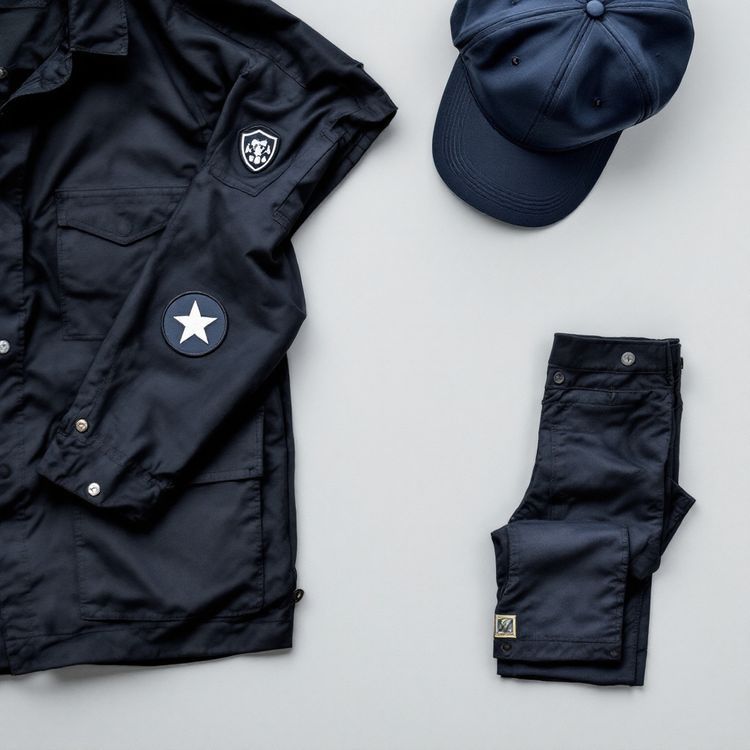
- Preview it on a garment. Switch between flat, a black jacket and a cap, and drag to turn the patch round in 3D.
- Download and send. Save the mockup and attach it, with your original artwork, to your quote request.
The choices that matter most in a mockup
Size
Size decides how much detail survives. As a general guide, embroidered lettering needs a cap height of about 1/4 in (6 mm) to stay readable, and lines thinner than about 1 mm do not stitch cleanly. If your smallest text fails that test at the size you entered, try a larger patch or switch the type to woven, which holds finer detail. Our patch size guide lists common sizes for chests, sleeves, caps and backs.
Shape and border
Simple shapes such as circles, ovals, rectangles and shields take a merrowed border, the raised wrapped stitch around the edge. A custom outline with points or inside corners usually needs a heat cut edge. If your logo has a distinctive outline, try cutting the patch to its shape and see whether it reads better than a plain circle.
Colours
Thread comes in solid colours, so gradients and photographs flatten into bands. Keep the palette tight, and check contrast between the twill and the artwork. Then check the patch against the garment colour: a dark border on a dark jacket can lose the edge entirely.
Mockup, proof and finished patch: what each one is
It helps to be clear about what an online mockup can and cannot tell you.
| Stage | Who makes it | What it shows | What it is for |
|---|---|---|---|
| Online mockup | You, in the patch maker | A rendering of shape, size, colours and look on a garment | Deciding what to ask for and attaching to the quote |
| Quote | Patchworks USA | Price for your size, quantity and options | Deciding whether to go ahead |
| Proof | Patchworks USA, from your artwork | The production version with exact colours and layout | Your written approval before anything is made |
| Finished patch | The factory | The real stitched piece | Delivery by UPS from Holly Hill, Florida |
The mockup is a rendering. It does not guarantee that a patch can be made from your logo at the size shown. We review detail and size ourselves when we quote, and the proof usually follows 1 to 3 business days after we have your artwork. Nothing runs until you approve that proof in writing.
Common mockup mistakes to avoid
- Designing at a size you will not order. A 6 in mockup tells you nothing about a 2.5 in patch.
- Leaving a white box behind the logo, which reads as a white patch with a logo stamped on it.
- Forgetting the white counters inside letters, so the O and the A look filled in.
- Choosing a merrowed border for a spiky custom outline that really needs heat cut.
- Matching the patch background to the garment so the edge vanishes.
- Packing in a slogan, a website and a year when the patch only has room for one line.
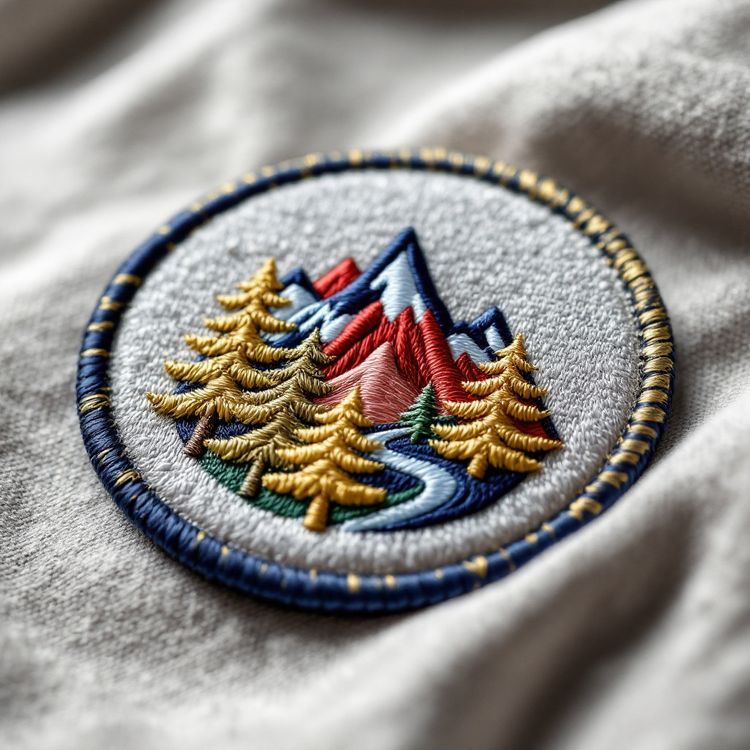
What to send with your mockup
The mockup shows intent, but the factory works from your original artwork. AI, EPS or PDF files are the cleanest. A PNG is accepted, and a clear photo of an existing patch is enough to start a reorder or a copy of an old design. If you are not sure which file you have, our guide to vector vs raster artwork explains the difference.
Along with the files, tell us the details the picture cannot carry:
- Quantity, or two or three quantities if you want to compare price breaks. Custom minimums start from 100 pieces and vary by product.
- The date you need the patches in hand.
- Any exact colour references, such as a brand colour, you want matched as closely as possible.
- Embroidery coverage if you have a preference, or "not sure".
From mockup to finished patches
Once you request a quote with the mockup attached, a quote typically comes back in 2 to 3 business days. If you go ahead, we prepare the proof, you approve it in writing, and production takes about 3 to 4 weeks after approval. A rush of around 10 business days is sometimes possible when the factory can hold it. All of these figures are typical and confirmed on your quote. The how it works page lays out each step, and our guide on how to order custom patches covers the order itself in more depth.
If the mockup tells you the design needs work first, start with how to design a patch, then come back and build the mockup again. It costs nothing to try three versions before you choose one.